
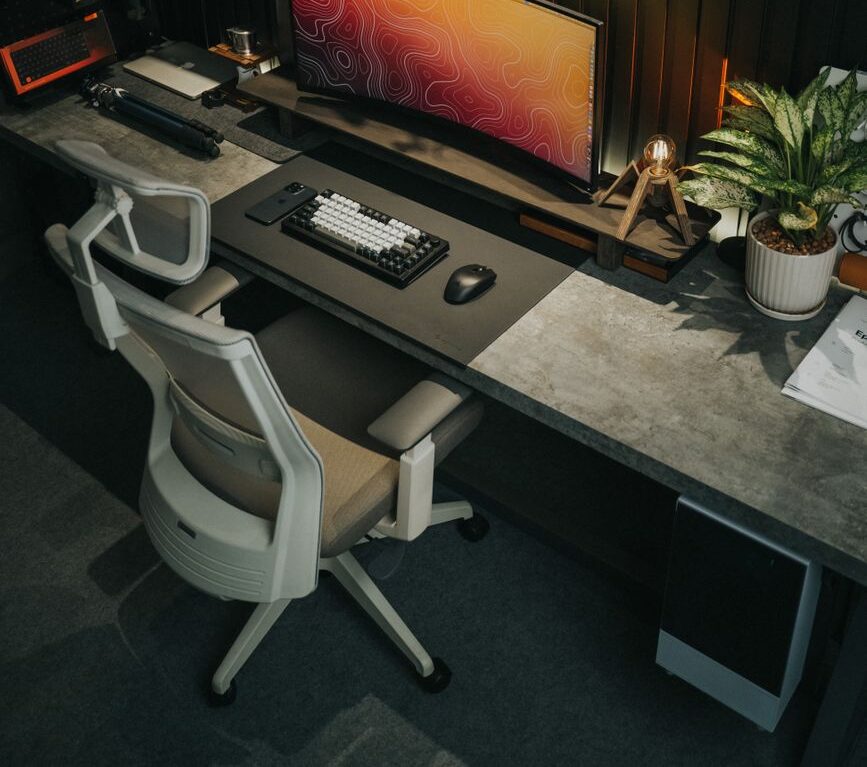
Look at most desk setups online, and you see the same thing: RGB lights, fake plants, and random plastic collecting dust. It looks fine in a photo, but it gets in the way of getting things done.
A practical setup needs to do two simple things: clear the mess so you can focus, and put your daily tools where you can reach them.
If your desk feels chaotic, you don’t need a total overhaul. Here are four quick fixes to clean it up.
1. Fix the Cables First
Look under your desk before spending a single dollar. A mess of cords makes even expensive desks look cheap.
- Get power strips off the floor: Screw or stick a wire basket to the underside of the desk to hold the power block.
- Bundle the wires: Run loose cords along the back edge of a desk leg and strap them together with basic Velcro tape.
- Stop cords from falling: Clip your main laptop or phone charging cable to the desktop edge so it stays in place when you unplug.
Clearing the floor takes 20 minutes and instantly fixes half the visual clutter.
2. Drop Pocket Clutter into One Tray
Keys, coins, flash drives, and pens scattered across the surface create constant distraction.
Put a simple valet tray in the back corner of your desk. Dump your pocket contents there the second you sit down. It keeps the main working space bare while making sure you know where your keys are when you get up.
3. Lift Your Screen
Staring down at a laptop screen destroys your posture and wastes the flat space right in front of you.
- If you use a laptop: Put it on a simple stand and connect a separate keyboard and mouse.
- If you use a monitor: Use a basic riser block or monitor arm.
Raising the screen forces you to sit up straight. It also opens up the area underneath the monitor to store your keyboard or notebook when you aren’t using them.
4. Use a Neutral Desk Pad
Working on bare wood, glass, or laminate feels hard and wears down your mouse and wrist over time.
A thick felt or leather desk pad does three things:
- Defines the main area where your hands, mouse, and keyboard belong.
- Protects the desk surface from scratches and spills.
- Quiets down the noise of typing or placing down a coffee cup.
Stick to dark gray, black, or brown. Skip anything with giant logos or loud patterns.
Upgrading your setup isn’t about buying more stuff to fill open space. Fix the wires, lift your screen, throw the pocket gear in a tray, and keep the surface clear. You’ll have a better workspace by this afternoon.
Discover more from menvice
Subscribe to get the latest posts sent to your email.